
AutoTender Sync Automated Payment Requests
Turn quotes and proposals into payments automatically.
AutoTender Sync sends a secure payment link as soon as a quote is accepted, so customers can pay the moment they are ready, day or night.

AutoTender Sync allows businesses to send unattended payment requests automatically after customer interactions. Payment links can be triggered following quotes, proposals, or confirmations, allowing customers to complete transactions when they are ready.
This helps businesses collect payments outside working hours and reduces manual follow-up.
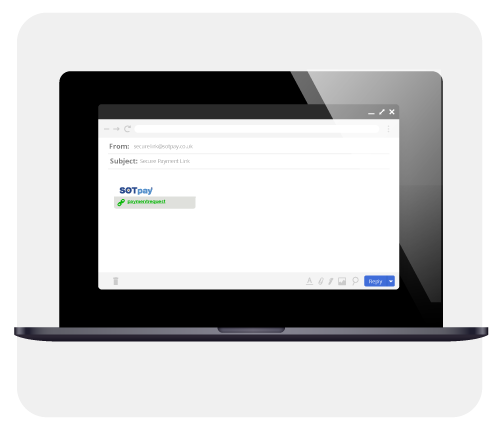
Manual follow-up after quotes can lead to lost sales. AutoTender Sync automates payment requests, helping customers complete transactions quickly while maintaining security and compliance.
AutoTender Sync allows customers to complete payments when convenient. Payment links can be sent automatically following quotes or proposals, helping businesses convert opportunities into confirmed sales.
This reduces delays and improves payment success.
See how AutoTender Sync helps businesses convert proposals into secure payments, by requesting a no obligation demonstration by our team now.

Need to ask a question: Request a callback from the team
Need merchant support? Visit Merchant Support