Connect SOTpay to the systems your business already runs on, so payments, invoices and reservations stay in step without anyone rekeying anything.
Each integration links a payment request to the record it belongs to. When the customer pays, the invoice or folio updates itself, reconciliation happens automatically, and your team sees the status in the software they already use.
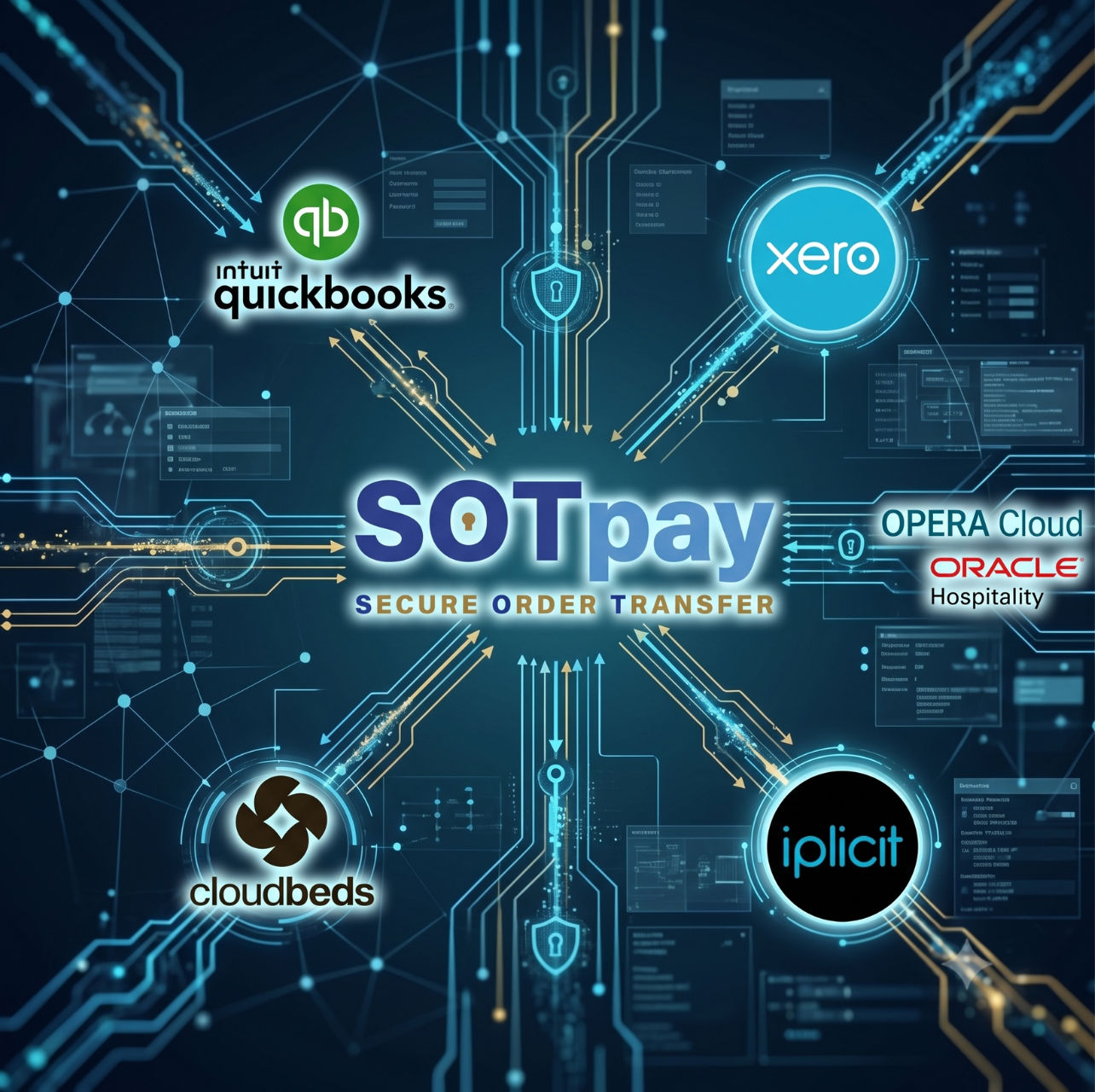
Add a secure payment link to the invoices you already raise, and let the payment write itself back.

Secure Pay by Link embedded in Xero invoices, with the invoice marked as paid and reconciled automatically once payment completes.

Payment links built into QuickBooks invoices, with invoice status updated after payment so your team stops chasing.

Secure payment links added to iplicit invoices, with payment status flowing back for clearer visibility across outstanding balances.
Take guest payments away from the front desk and post every step back into the PMS.

Guests pay securely through SOTpay while every stage of the payment is recorded back in OPERA as clear, time-stamped notes.

Payments processed through SOTpay, with each stage of the transaction logged as a note in Cloudbeds for a full record of what happened and when.
The five platforms above are packaged integrations, ready to configure. Beyond those, SOTpay connects to other systems through its API and middleware, and those connections are built when a customer asks for one.
If the system you run on is listed as available on request, tell us and we will scope it. Once we have confirmed the platform supports it, we could integrate within as little as two weeks.
SOTpay connects to CRM platforms, booking engines, ERP systems and bespoke applications through its API. If the platform you use is not on this list, tell us what you run on and we will confirm what is possible.
The sequence is the same whichever platform you connect, because the payment is always tied to the record that created it.
Because the customer enters their card details on SOTpay rather than in your software, card data never lands in your accounting system or PMS, which keeps those systems out of PCI DSS scope.
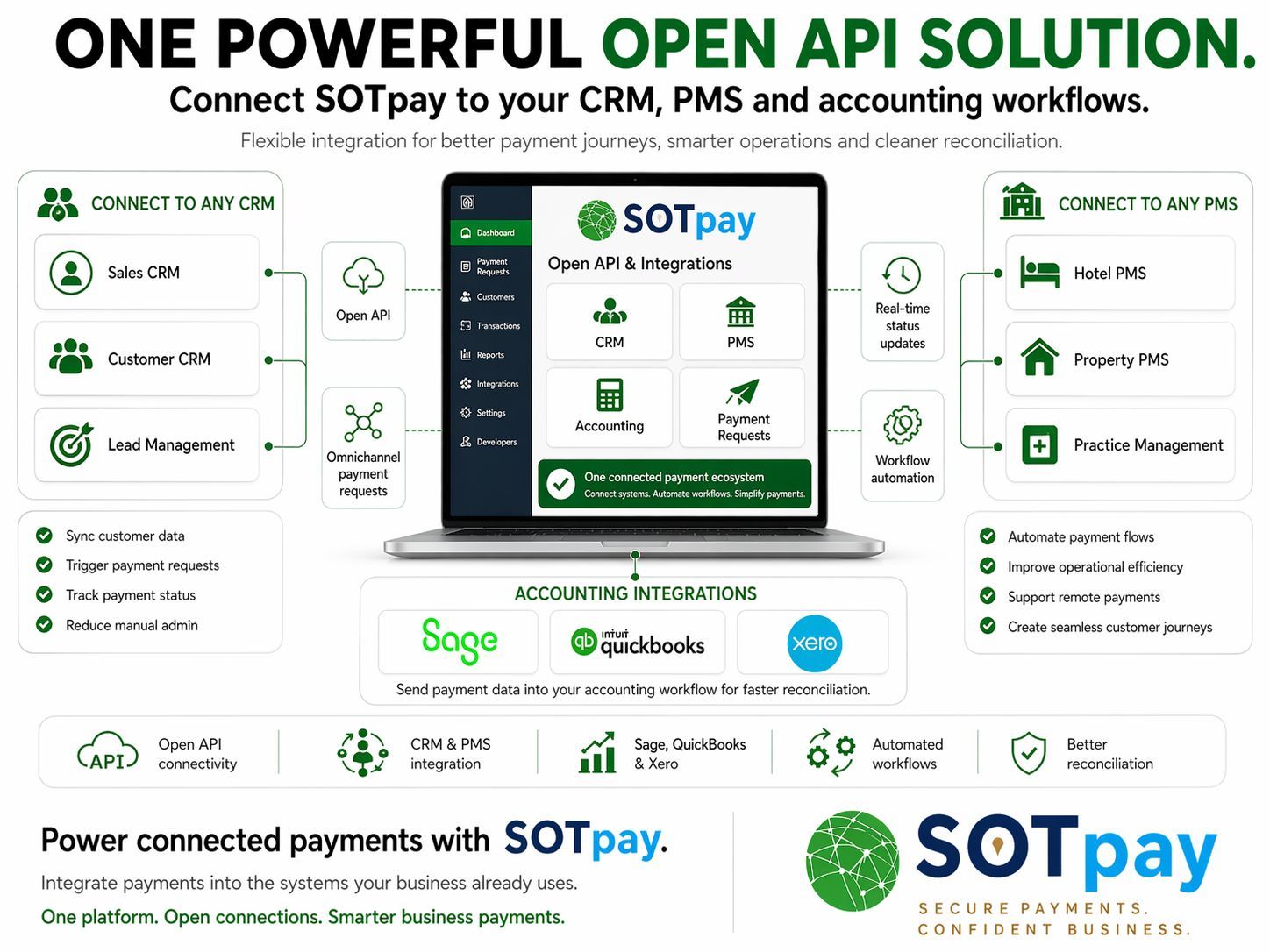
The accounting connections are delivered through SOTsync Pro, our accounting sync product. For reporting on the payments once they land, see payment reporting and analytics.
SOTpay integrates with Xero, QuickBooks and iplicit, delivered through SOTsync Pro. Each one adds a secure payment link to the invoices you already raise and writes the payment back against that invoice once it clears.
Yes. SOTpay integrates with Oracle OPERA so a payment request can be raised from OPERA, sent to the guest as a secure branded link, and posted back to the folio once paid. Every stage of the payment is written into the PMS as a time-stamped note, so front desk and finance can see exactly what happened and when.
Oracle is moving OPERA Cloud properties from the older Shared Security Domain model onto OPERA Cloud Identity Management, which handles user access and the authentication behind API connections. The SOTpay integration is designed to work with OPERA Cloud properties on either side of that migration, so a move to OCIM does not mean rebuilding your payment workflow. If you are mid-migration and want the specifics for your property, our team can confirm them directly.
The payment request is generated against the specific record, so the link a customer receives already carries the reference for that invoice, booking or folio. When the payment completes, it is written back against that same record rather than arriving as an unallocated receipt somebody has to identify later.
No. The customer enters their card details on SOTpay's secure payment page, never in your software and never to a member of your staff. Your accounting platform or PMS receives the payment status and the reconciliation, not the card number, which keeps those systems out of PCI DSS scope.
Not for the listed platforms. Those connections are configured rather than built. If you want payments embedded in a system that is not listed, that is handled through our API and middleware, which is where a developer would be involved.
Usually, yes. Alongside the packaged integrations, SOTpay connects to CRM platforms, booking engines and bespoke applications through flexible APIs and middleware, so payment requests can be triggered by whatever system already runs the process. Tell us what you use and we will tell you what is possible.
Tell us what you run on and our payment specialists will walk you through how the integration works in practice, with no obligation.
Need to ask a question: Request a callback from the team
Need merchant support? Visit Merchant Support